How is this different from Serato's Relocate Lost Files?
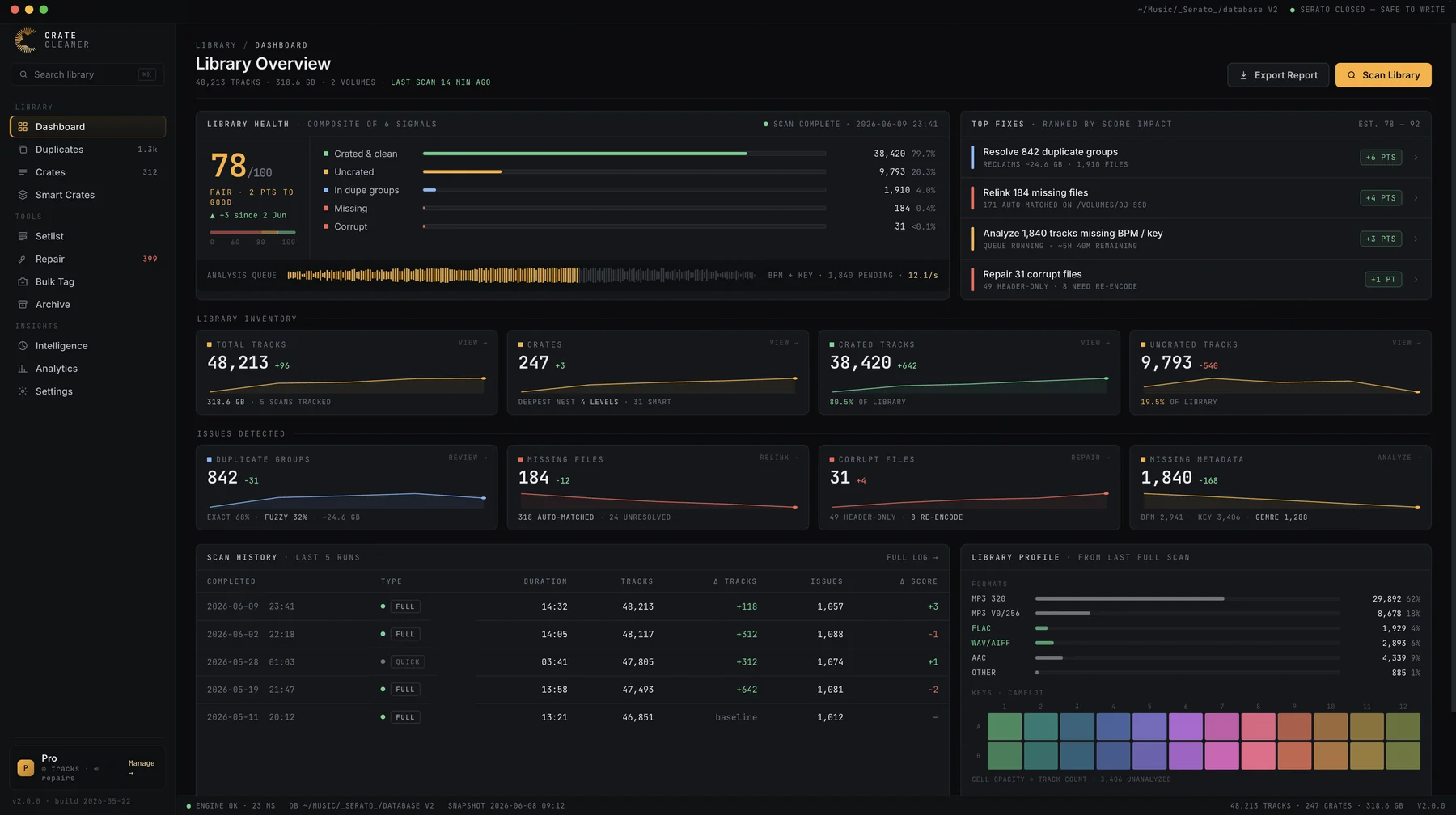
Relocate searches by folder path and gives up the moment a path does not match, which is why renamed folders and drive swaps defeat it. Library Repair matches on what the file actually is, across your drives, and relinks entries in place with their crates and cues intact.
Will repairing overwrite my cue points or beatgrids?
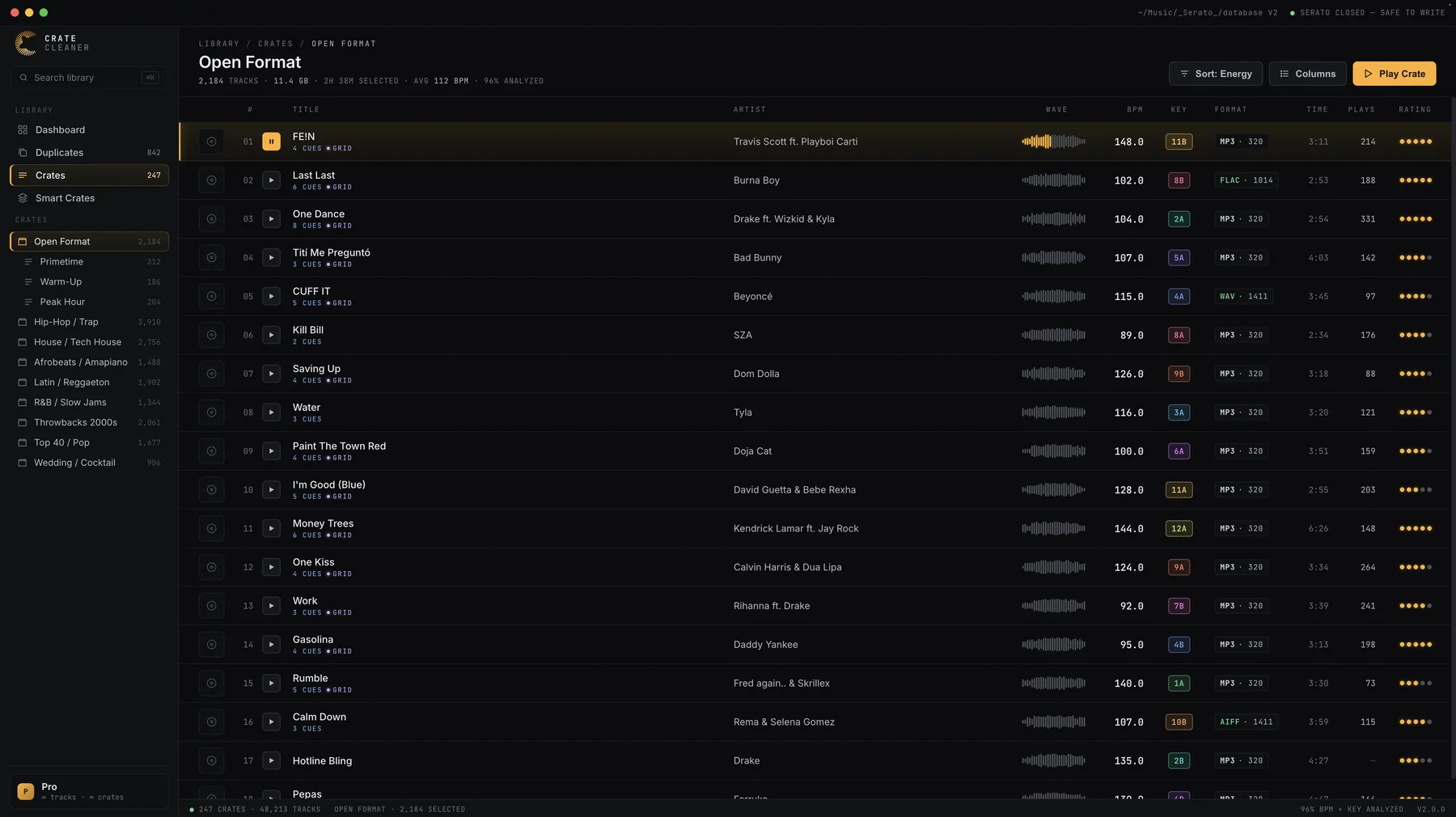
No. Relinking points the existing library entry back at its file. Cues, loops, beatgrids and crate memberships stay exactly as they were, which is the whole point of repairing instead of re-importing.
What happens to files that are genuinely gone?
Tracks whose files no longer exist anywhere are flagged separately, so you end the pass with a clean list of what needs re-downloading instead of guessing. Nothing is deleted for you.
Is it safe to run on my real library?
Yes. The scan is read-only, every proposed match shows its confidence before you accept it, and changes are only written while Serato is closed. Snapshots let you roll the library database back at any time.
How many repairs does the free plan include?
The free plan includes 5 repairs a day, enough to verify the matching quality on your own broken links and to keep fixing a few before each gig. Pro and Studio include unlimited repairs, which is what you want after a drive swap.