Will my Serato cue points survive the conversion?
Yes, when the new file is an MP3, AIFF or WAV. Hot cues, cue colours, loops, the beatgrid and Serato’s analysis are copied from MP3, AIFF and WAV files, and from M4A and FLAC files Serato has tagged. FLAC, Apple Lossless and AAC outputs keep tags and artwork but not Serato cues, and the preview warns you before anything runs.
How do I convert WMA files to MP3 or AIFF on a Mac?
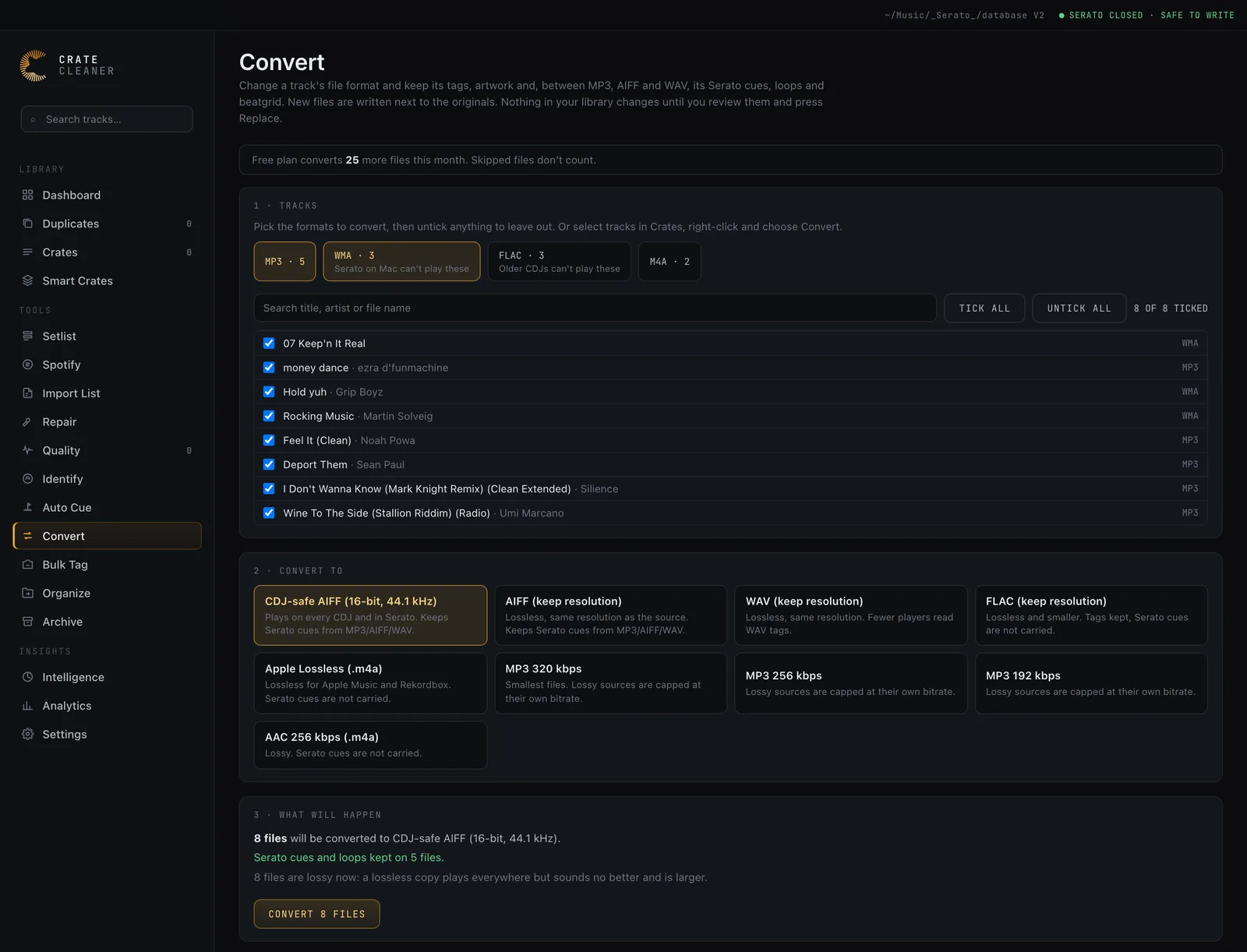
Open Convert in Crate Cleaner, click the WMA format to select every WMA file in your library, untick any you want to leave out, and choose MP3 or CDJ-safe AIFF. Crate Cleaner decodes WMA itself, so you do not need VLC or any other app, and the tags come across.
What is the best format for CDJs?
CDJ-safe AIFF: 16-bit, 44.1 kHz, the same resolution as a CD. It keeps tags, artwork and Serato cues, and suits older club players that cannot read FLAC or high-resolution files. FLAC is smaller, but older CDJs cannot play it.
Does converting an MP3 to AIFF or WAV improve the sound?
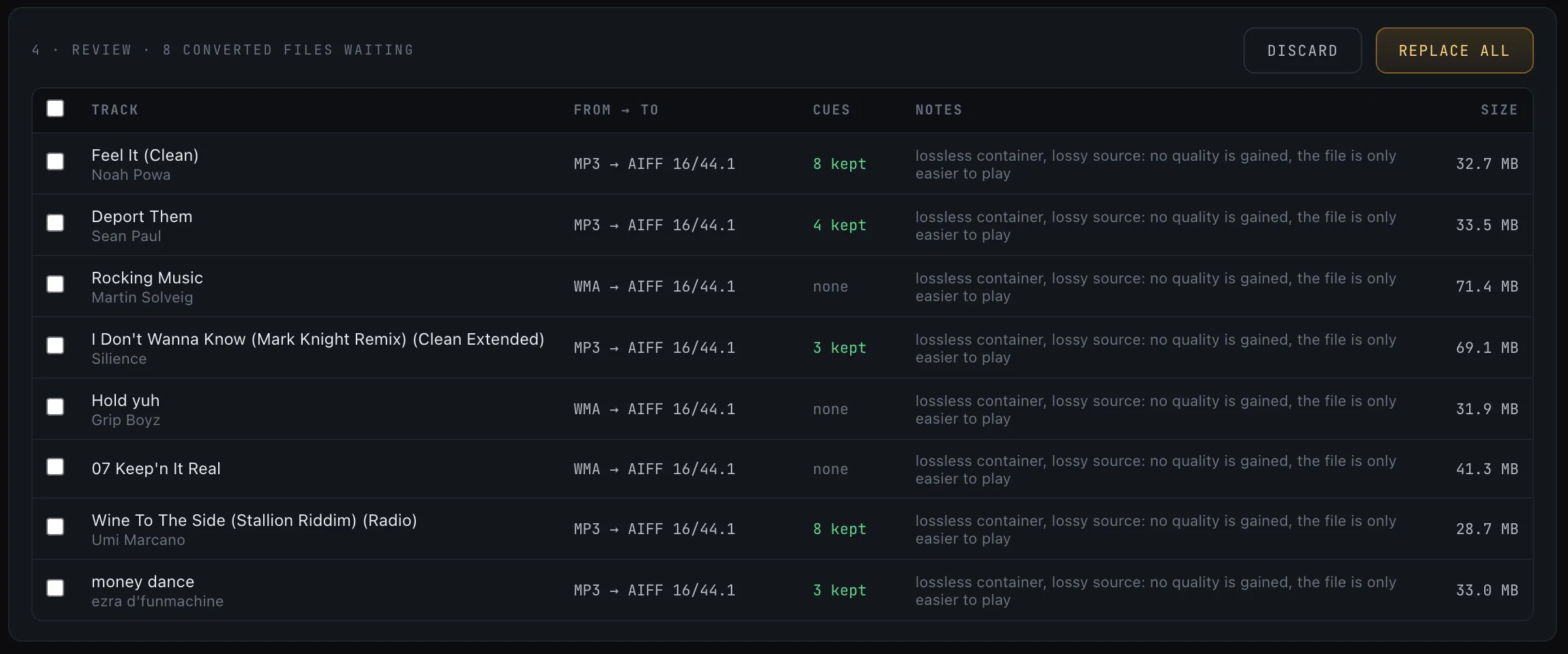
No. A lossless copy of a lossy file plays anywhere AIFF or WAV does, but it sounds the same as the MP3 and is several times larger. The preview points this out for every lossy file going into a lossless format.
Can I convert a 128 kbps MP3 to 320 kbps?
Crate Cleaner will not do that. A lossy output is capped at the source’s real bitrate, so a 128 kbps file comes out at 128 kbps instead of a fake 320. An MP3 is never re-encoded to another MP3.
What happens to my original files?
Nothing until you press Replace. Converted files are written next to the originals. Replace moves each original to the Archive, where you can restore it, and Discard deletes a converted file you do not want.
Do my crates, play counts and history follow the new file?
Yes. Replace points the same track in Crate Cleaner’s library at the new file, so play counts and history stay, and every Serato crate that listed the old file is updated. Quit Serato before you press Replace, because Serato rewrites its crates when it closes.
Does it work with Serato DJ Pro 4?
Yes. Serato 4 keeps its own entry for the old file, which shows as missing at first. Open Serato once so it picks up the new files, then quit it, and within a few minutes Crate Cleaner folds each old entry into its new file, keeping plays and history, after backing up Serato’s library.
Is converting free?
The free plan converts 25 files a month, and only files actually converted count: skipped and failed files are given back. Pro and Studio convert without a limit.
How is this different from the free online audio converter?
The browser converter on this site handles a few files at a time and never uploads them. The app converts whole formats across your library, carries Serato cues, refuses to make fake 320s, and moves your crates and library over to the new files.